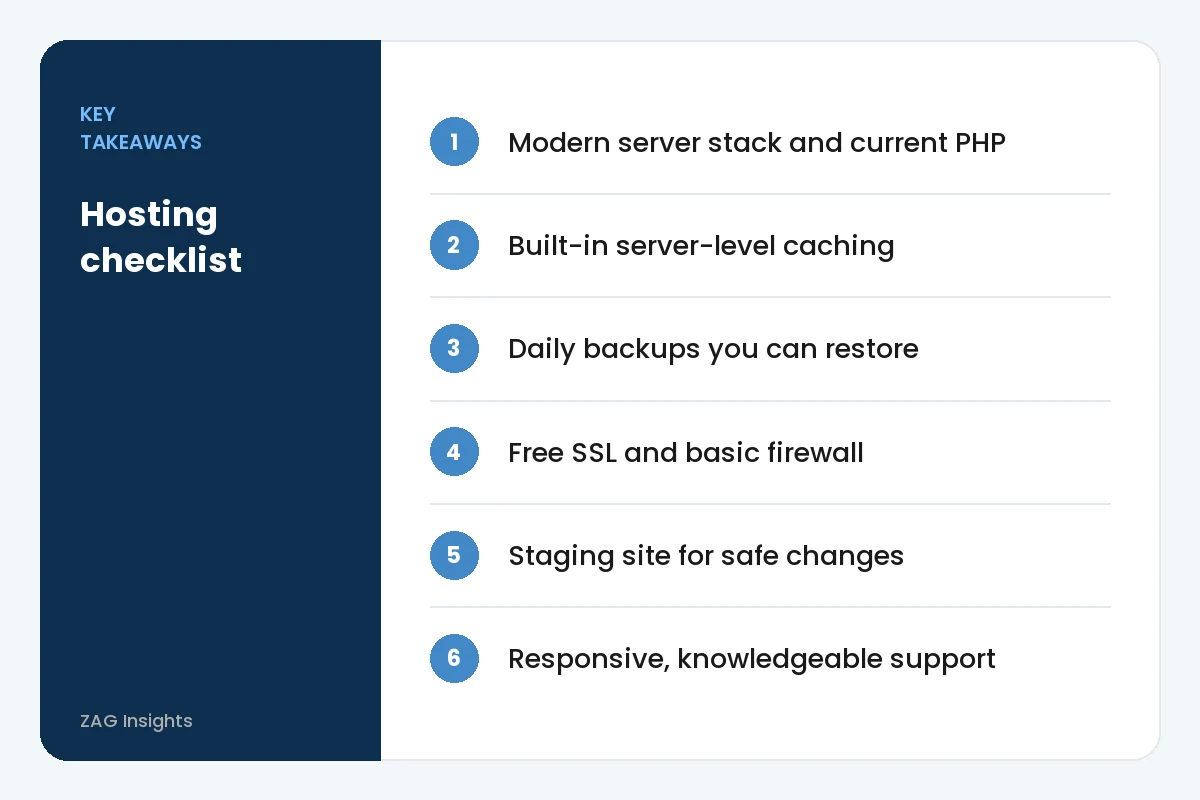
Quick answer: Choose WordPress hosting that runs a modern server stack and a supported PHP version, includes server-level caching, daily restorable backups, free SSL, a firewall and staging, and offers fast, knowledgeable support. For most small businesses a quality shared or managed WordPress plan is the right balance.
Hosting is the part of a website most business owners think about least, until the site goes down, slows to a crawl or gets hacked. The right hosting does not make a website good on its own, but the wrong hosting can make even a well-built site feel slow and fragile.
Here is what I look at when I help clients choose hosting for a WordPress business website.
Shared, managed or VPS?
- Shared hosting is the cheapest option. Your site shares a server with many others. Good shared plans are fine for small brochure sites with modest traffic.
- Managed WordPress hosting is tuned specifically for WordPress, usually with caching, backups, staging and updates handled for you. It costs more but saves time.
- A VPS or cloud server gives you dedicated resources and full control, but someone needs the skills to manage and secure it.
For most small and medium businesses, a quality shared or managed WordPress plan is the right balance. Larger stores and high-traffic sites may need more.
The technical basics to check
Look at the official WordPress requirements and make sure the host supports a currently supported PHP version, a modern database and HTTPS. Old PHP versions are slower and stop receiving security fixes, so a host that is slow to upgrade is a red flag.
Caching built into the server
Server-level caching makes a big difference to speed. Hosts running LiteSpeed servers, for example, work with the free LiteSpeed Cache plugin to serve ready-made pages very quickly. Others provide their own caching layer. Either way, ask what the host provides, because caching is one of the main reasons a site feels fast.
Backups you can actually restore
Daily automatic backups should be standard, kept for at least a couple of weeks and stored separately from the site. Check that you can restore a backup yourself, quickly, without opening a support ticket. I still recommend keeping an independent backup too, so you are never relying on a single copy.
Security and SSL
A free SSL certificate, usually from Let’s Encrypt, is standard today. Good hosts also add a web application firewall, malware scanning and isolation between accounts, so a problem on another site cannot spread to yours. None of this replaces keeping WordPress updated, but it adds useful layers.
Staging, email and support
A staging site lets you test updates and changes on a copy before they touch your live site. Business email is often better handled by a dedicated email provider, but if you use the host’s email, make sure your website’s forms send through authenticated SMTP so enquiries are delivered reliably. Finally, test support before you need it: ask a technical question and see how quickly and how well they answer.
Do not choose on price alone
The difference between cheap and good hosting is often a few dollars a month. Compared with the cost of a slow site, a hack or a day of downtime, that is one of the best investments you can make in your website.
Sources and further reading
- WordPress.org: Hosting
- WordPress.org: Requirements
- WordPress Developer Resources: PHP and performance
Not sure your hosting is up to the job?
I can review your current setup, recommend the right hosting for your site and handle the move without downtime.