
Quick answer: To redesign without losing rankings, benchmark current traffic, map every old URL to a new one, keep the content that ranks, build on a non-indexed staging site, add 301 redirects and a new sitemap at launch, then monitor Search Console for errors in the following weeks.
A website redesign is a chance to modernise your brand, improve conversions and fix technical problems. It is also the moment many businesses lose search traffic they spent years building. The cause is almost never the new design itself. It is URLs, content and redirects being handled carelessly.
Before you start
Benchmark what you have
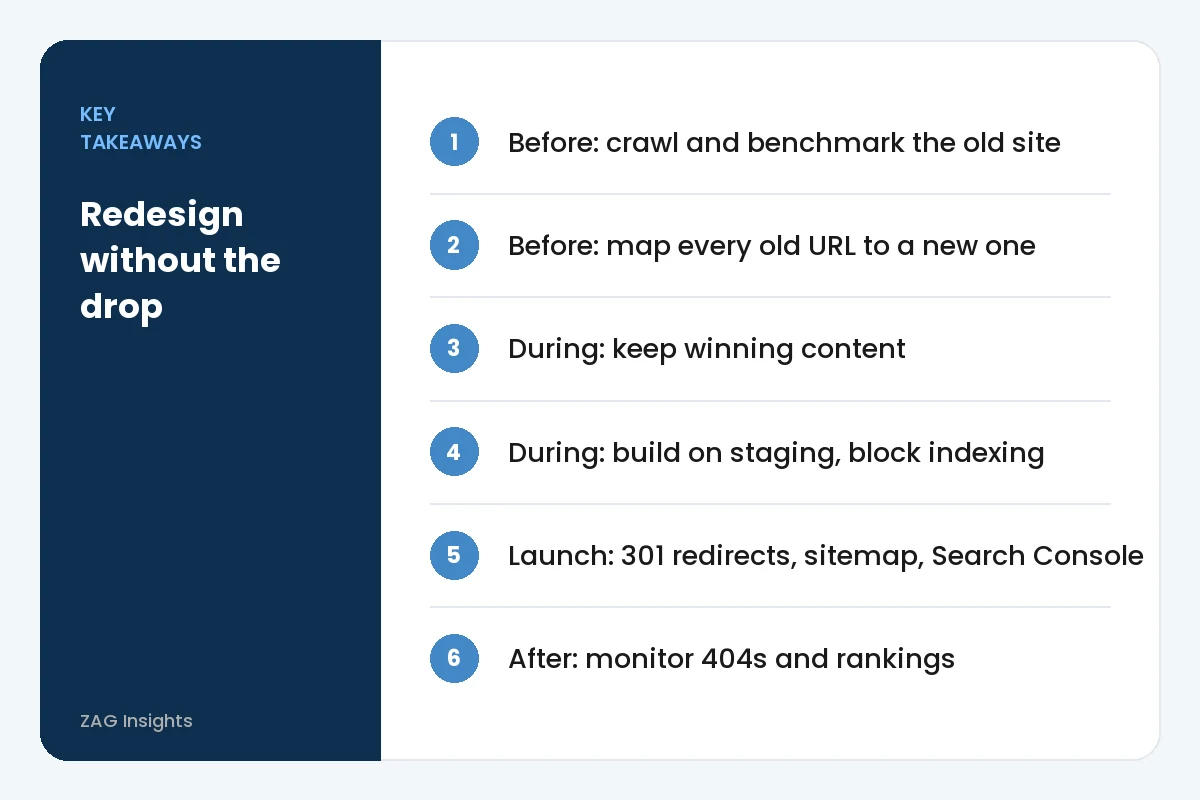
Export your top pages and queries from Google Search Console, note your key traffic numbers in Analytics and run a crawl of the current site to list every URL. This gives you a baseline and shows which pages actually bring visitors.
Map old URLs to new ones
Create a simple spreadsheet with every important old URL and the new URL it should point to. Keep URLs the same where possible. Where they must change, each old page should redirect to the most relevant new page, not simply to the homepage.
During the build
- Build on a staging site and block search engines from indexing it.
- Keep the content of pages that rank well, and improve it rather than replacing it with shorter copy.
- Preserve heading structure, internal links and image alt text on important pages.
- Carry over page titles and meta descriptions from your SEO plugin, then improve them deliberately.
- Check the new site’s speed and mobile experience before launch, not after.
At launch
- Make sure the live site is not set to discourage search engines. This one setting has caused many traffic drops.
- Put 301 redirects in place for every changed URL.
- Submit the new XML sitemap in Search Console.
- Test forms, tracking and key conversion paths on the live site.
- Check canonical tags and that HTTPS works everywhere.
After launch
Watch Search Console closely for the first few weeks. Look for new 404 errors, pages dropping out of the index and changes in impressions for your important queries. Some movement is normal while search engines process the changes. A sharp, sustained drop usually points to missing redirects, removed content or indexing settings, all of which can be fixed if caught early.
The short version
Change the design as much as you like. Be careful with URLs, keep the content that earns traffic, redirect everything that moves and monitor closely after launch. That is how a redesign becomes a step forward rather than a reset.
Sources and further reading
- Google Search Central: Site moves with URL changes
- Google Search Central: Redirects and Google Search
- Google Search Central: Sitemaps overview
Planning a redesign?
I redesign WordPress websites with SEO protection built into the process, from URL mapping to redirects and post-launch monitoring.